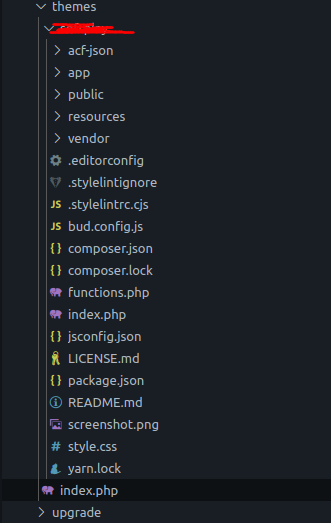
We inherit a site using sage and acorn. This error keeps happening:
PHP Fatal error: Uncaught Illuminate\Contracts\Filesystem\FileNotFoundException: File does not exist at path /nas/content/live//wp-content/cache/acorn/framework/views/6049cb3395c2a0b106238946e4cb2987aed6bfa6.php
I have to ssh into the server (WPEngine) and run “wp acorn view:cache“ to fix it.
This keeps happening though and it’s not just this site, the other sites we inherited also have this issue.
I am new to sage and acorn, is there a cause for this? Like do we need to up the cache expatriation time? Has anyone else encountered this?
I’m not seeing it there either, this is an old version of Sage “@roots/sage”: “6.21.0” if that helps, I am not seeing a place for me to change the version in the docs Sage Docs | Sage Docs | Roots