I am getting an error after setting up Sage locally:
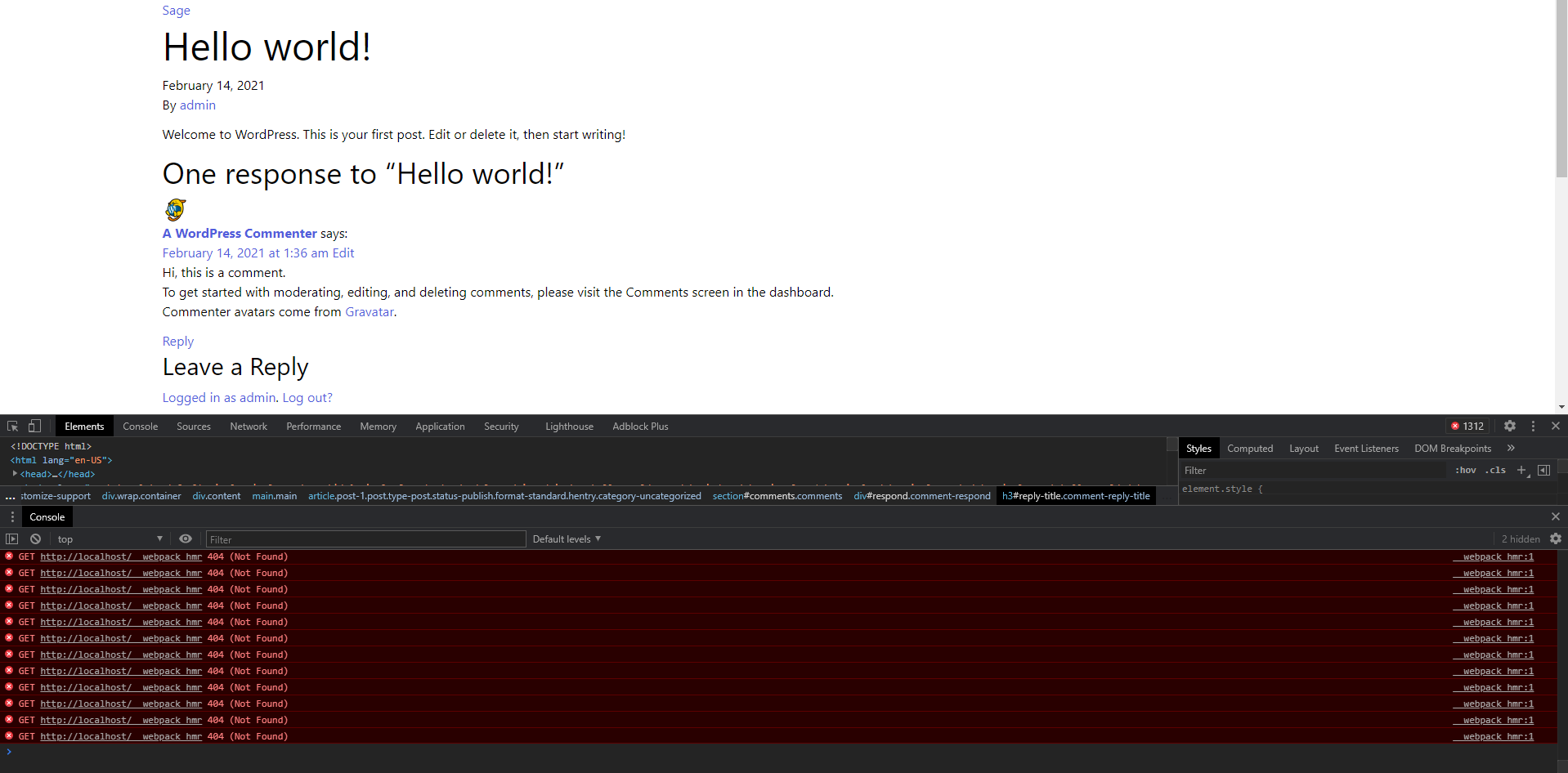
Anyone came across this error before? New to these types of ecosystems, not sure where to look 
I am getting an error after setting up Sage locally:
Anyone came across this error before? New to these types of ecosystems, not sure where to look
Can you provide some additional context? i.e.:
I had a lot of issues installing Sage with Tailwind in the first place, got a lot of dependency errors. Found a lot of other users with similar issues with v9.0.10. Came across the following repo:
This solved all my issues. I installed this way:
yarn && yarn build and then yarn start
Hope this helps!
Also try out the Sage “9.2” branch which can be used with composer-create:
Note: Changed Sage 9.2 to 9.1 (as 9.0.10 is the current release in master). Updated Sage 9.x You can now try out the Sage PR branch for webpack 5 and updated dependencies. The sage-installer which is used by Sage 9.x for adding framework support was also updated to add the right configuration and styles. Bootstrap 5 (Beta2) has been added for selection. Tailwind 2 is used now. Trying it out now! To prevent siloing of existing working forks of Sage 9 + (insert framework), please try this set…
This topic was automatically closed after 42 days. New replies are no longer allowed.
