I’ve started building a new woocommerce site and am trying to add a dynamic sidebar with the default Woocommerce Product filter in - just to have a play and see if I can use it.
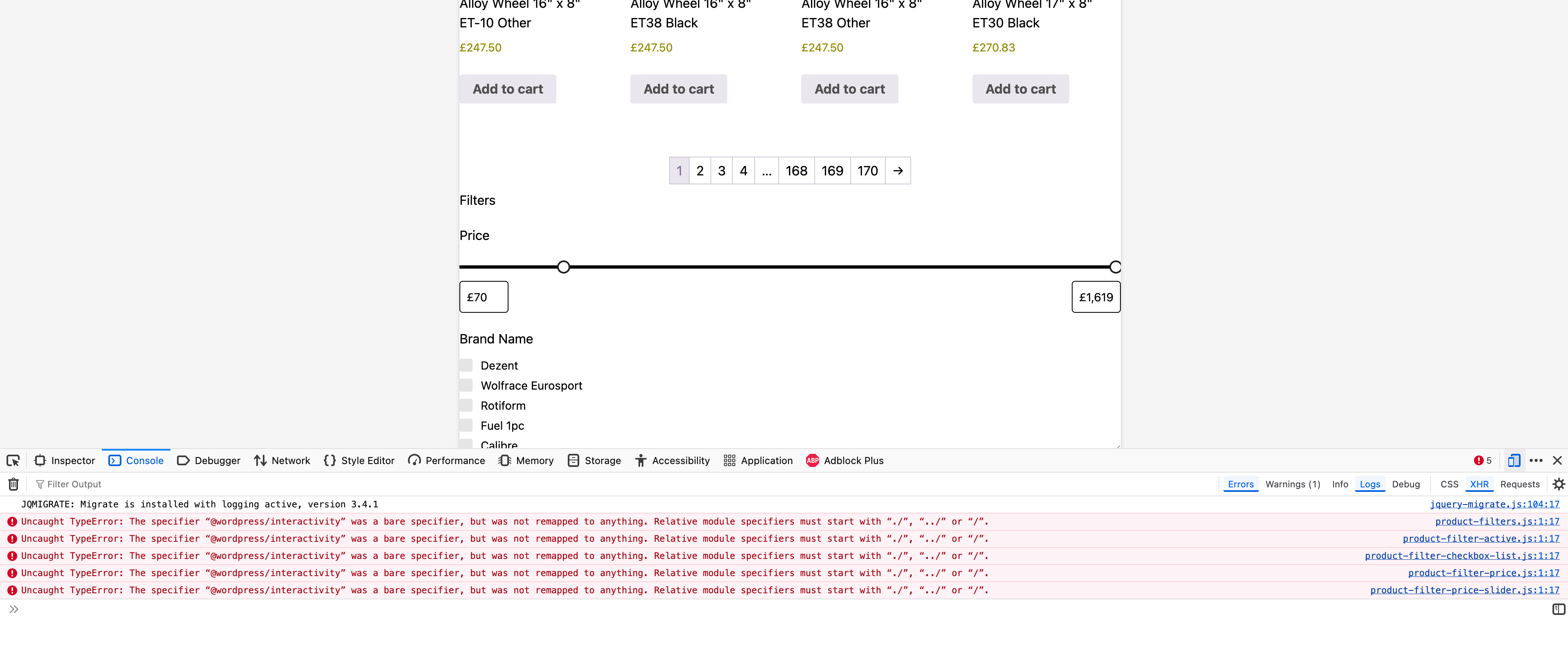
When I view my /product-category/ pages I can see the html items - checkboxes, sliders etc, but none of it works!
I’ve installed @wordpress/interactivity via npm install @wordpress/interactivity and rebuilt but I still get the error.
I’m guessing that I’m not enqueuing it or including it somewhere, but having jumped from Sage 9 to Sage 11, I’m not entirely sure how or where I do this now?
I feel like widgets aren’t the way to go here. If you don’t want to manage your layout within the page itself, consider going down the FSE route instead?
OK, interesting - I don’t think it’s a widget thing - I’ve just tried editing the shop page and just dropping a Product Filter block on it in the Gutenberg block editor, updated and viewed in a different browser - so I’m logged out. Now it works!
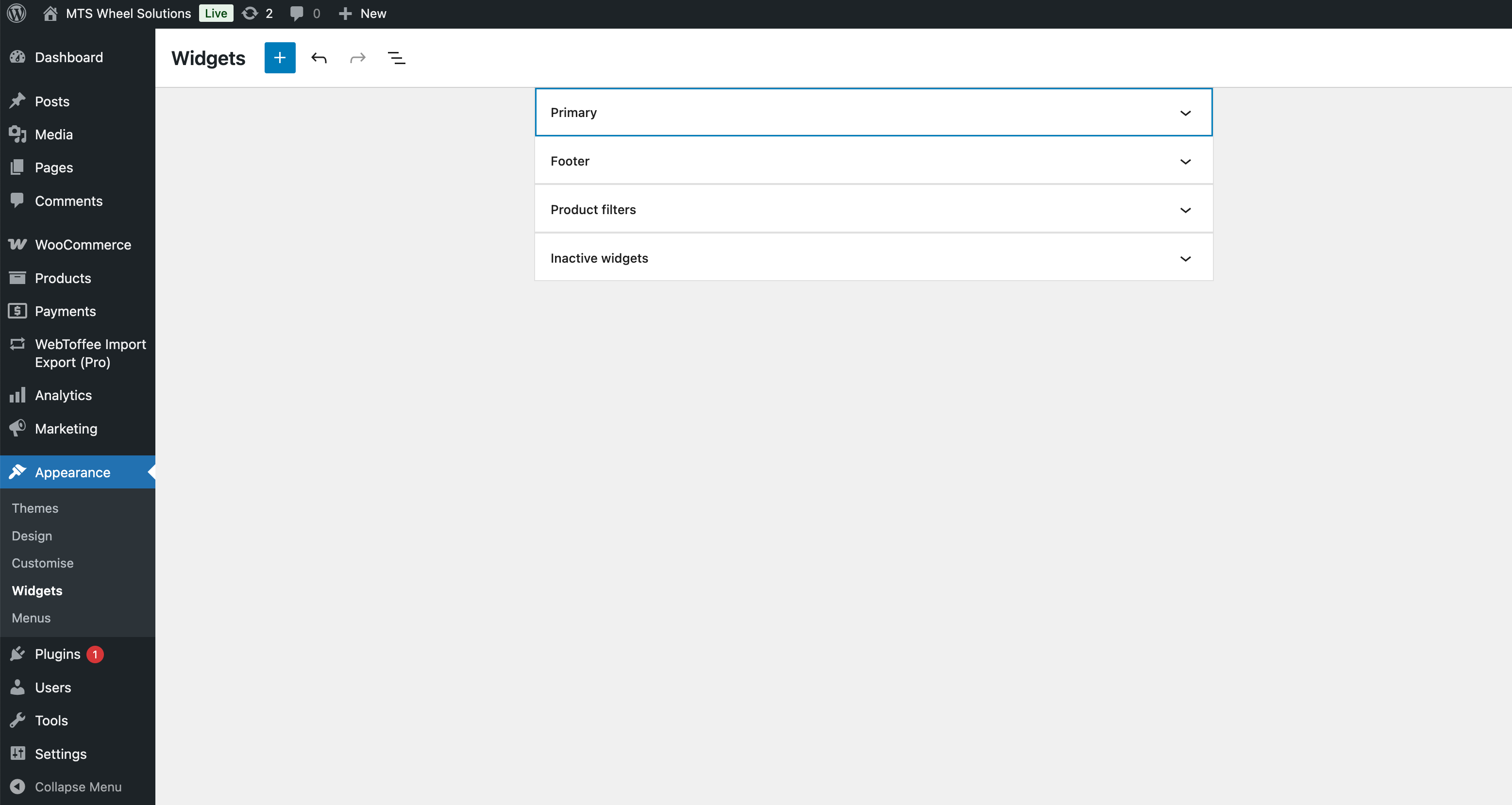
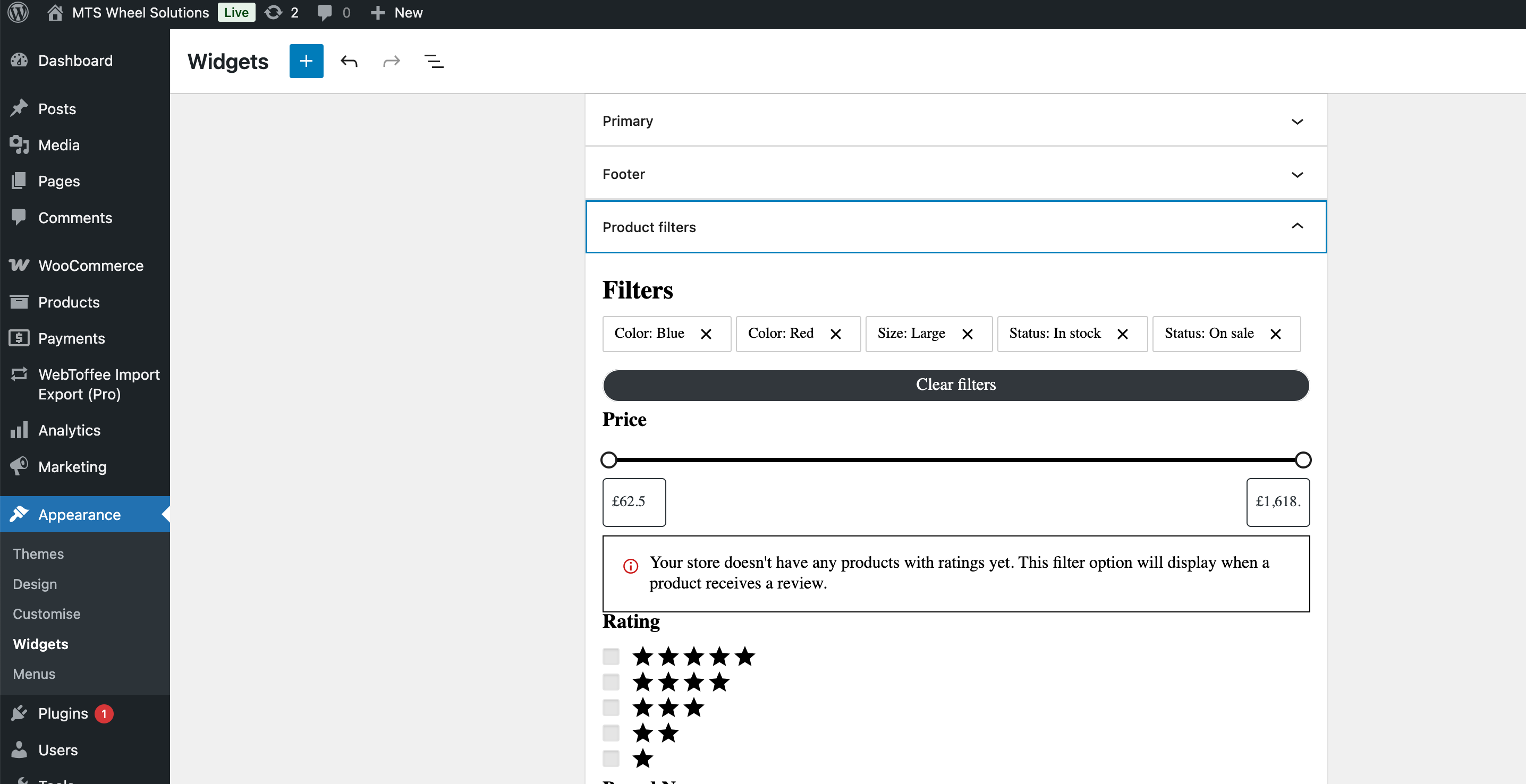
Went back and tried it the Widget way, and this also works - but only if I’m logged out!
Also works if I create a customer account and log into that - so it’s an issue with being logged in to admin pressumably, either Admin account or Editor? Not sure, maybe it’s nothing to do with Sage at all and its a Wordpress/Woocommerce bug
Just coming back on this issue - I’ve discovered that it’s actually limited to Firefox only - Chrome is fine. Still haven’t found a fix or even that much about it when I google the error - I haven’t tried deploying my dev site yet to a staging environment so maybe that will sort it. I’ll post back here if I do find anything though
I also ran into this issue (here with the navigation block) and found this ‘quick fix’:
/**
 * Quickfix for script module loading bug on Firefox
 *
 * @see https://wordpress.org/support/topic/importmap-wordpress-interactivity/
 */
remove_action('after_setup_theme', [\wp_script_modules(), 'add_hooks']);
add_action('wp_head', function () {
    wp_script_modules()->print_import_map();
    wp_script_modules()->print_enqueued_script_modules();
    wp_script_modules()->print_script_module_preloads();
    echo "\r\n";
}, 8); // Use a early priority, 9 might be too late.
I encountered an issue where the initial JavaScript error was resolved in Firefox using the provided quick fix. However, the lightbox functionality of the gallery or image block did not work. So, I had to modify the fix:
This will print the map twice. I’m not sure if we can really remove it from priority 10, because we might miss some data that will be registered later.


 Still a good find!